

Setting up your profile
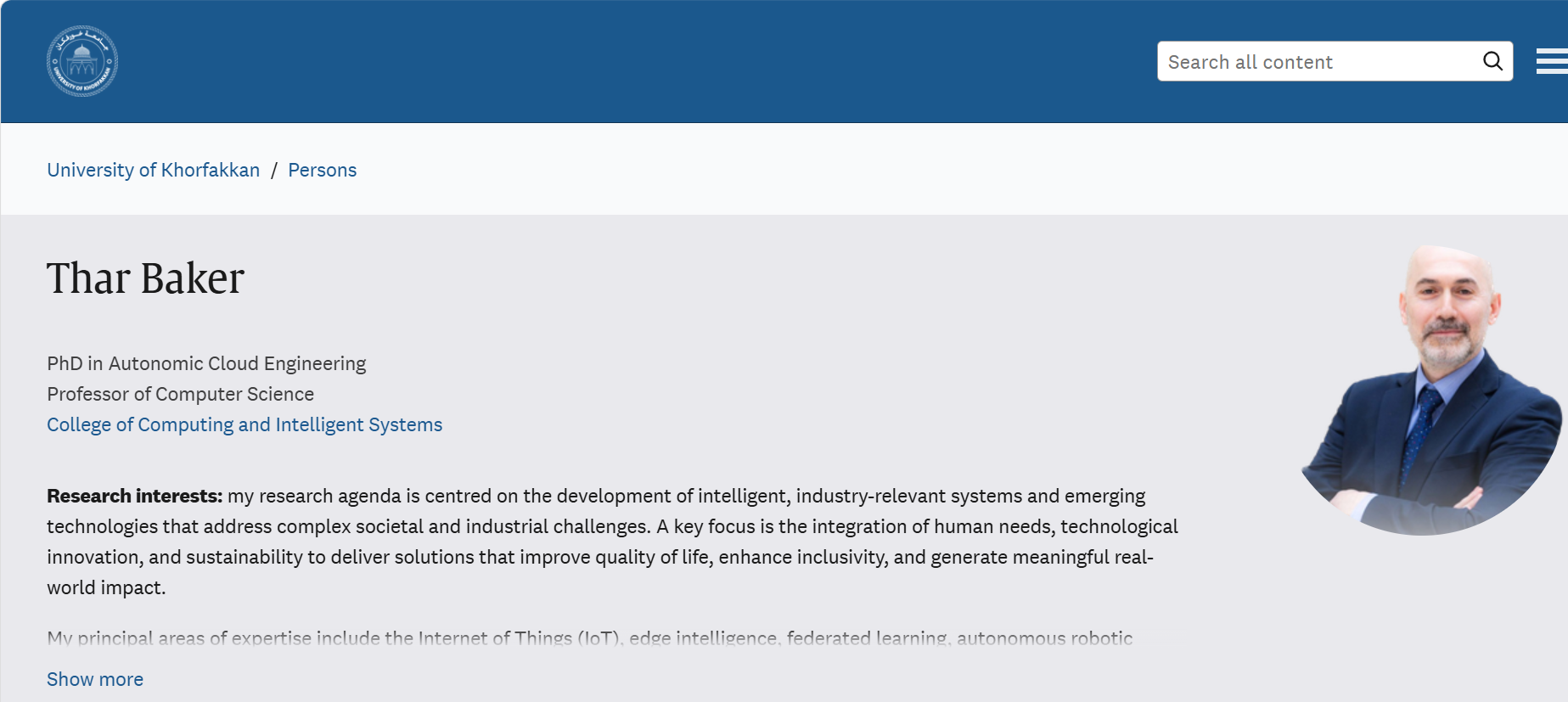
The UKF Profiles and Research Repository is the public face of research at the University of Khorfakkan. It is built on Pure, and it brings together researcher profiles, publications, projects, and activities in one place so that colleagues, students, funders, and the wider community can find them.
Keeping your profile complete and current is one of the simplest ways to promote your research and your teaching. A well-prepared profile helps you attract collaborators and postgraduate students, and shows your expertise to the media and to partner organisations.
If you are a faculty member or researcher at UKF, your profile should carry at least a profile photo, a short biography, and a linked ORCID iD. Research expertise keywords are strongly encouraged.
- 1Open the Research Portal and sign in with your University of Khorfakkan account.
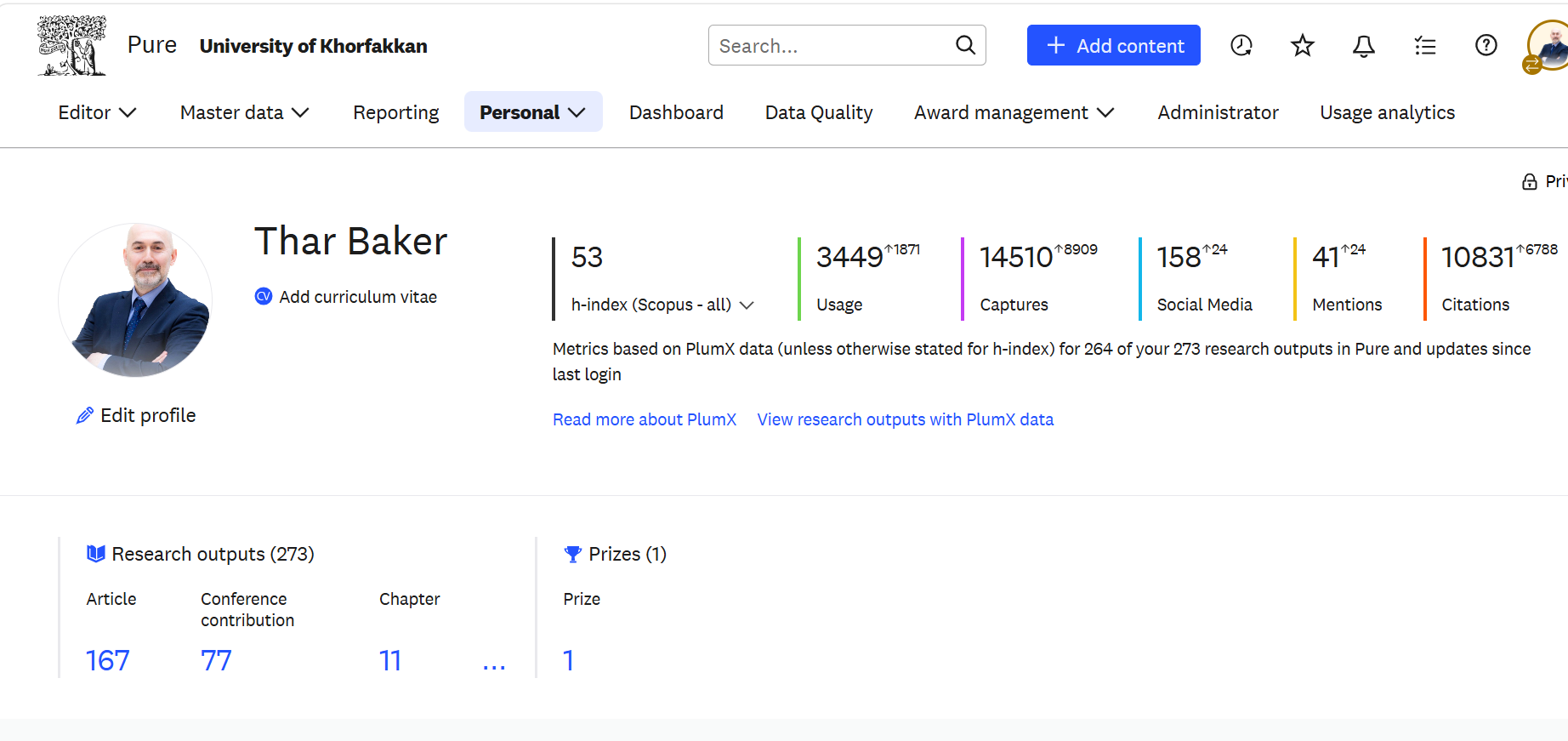
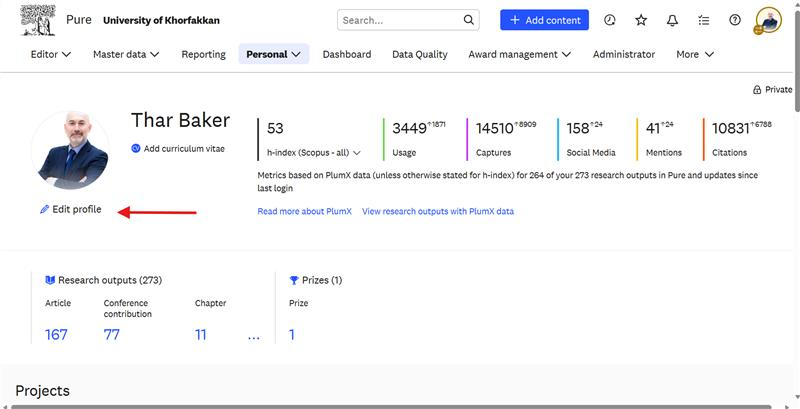
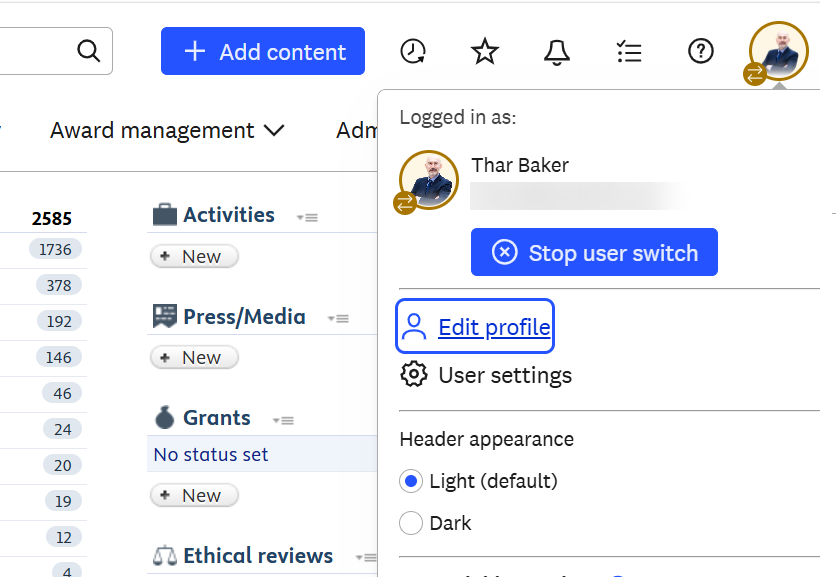
- 2Select your name in the top corner, then open your Personal overview.
- 3Use the Edit profile button to add or update each part of your profile.
- 4Save your changes. Some fields are published immediately; records such as publications are checked first.
Use the pages in this section, in order, to complete each part of your profile. If you cannot sign in or your profile is missing, email the Research, Innovation and Development Department.
Before you leave the editor, click Save at the bottom of the page. Changes are only stored when you save, and anything you entered is lost if you navigate away first.