

Award Management and project budgets
In addition to your profile, Pure gives you access to Award management, where research funding, grants, and projects are tracked. You can see the projects you are linked to and open each project to view its budget and a breakdown of expenditure.
- 1Log in to the UKF Research Portal with your university account and open your Personal overview.
- 2Click Award management, next to Personal, at the top of the page.
- 3The menu includes Applications, Grants, Projects, Contracts, Ethical reviews, and Funding opportunities. Under Projects, select My projects to find your project records.
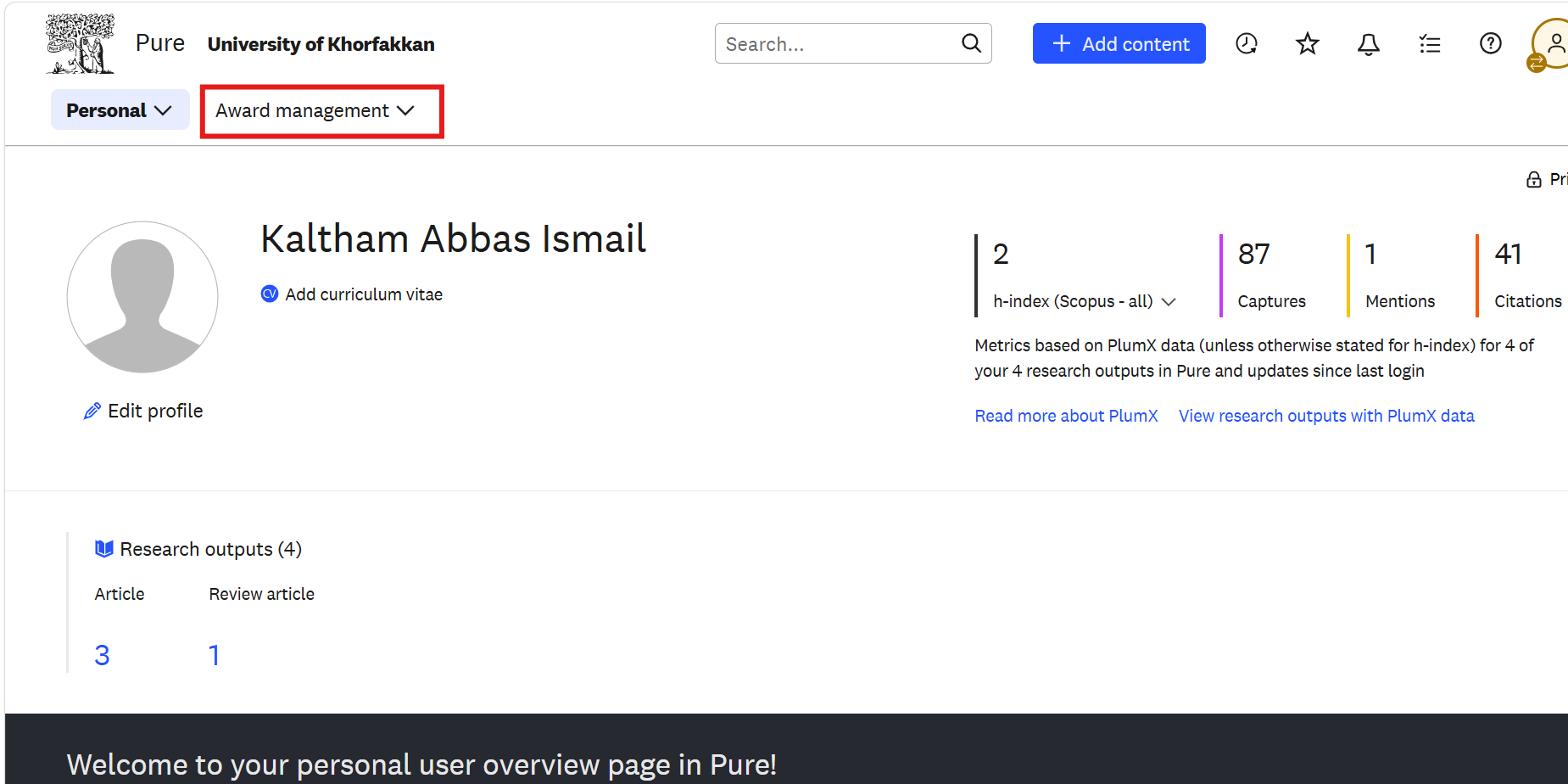
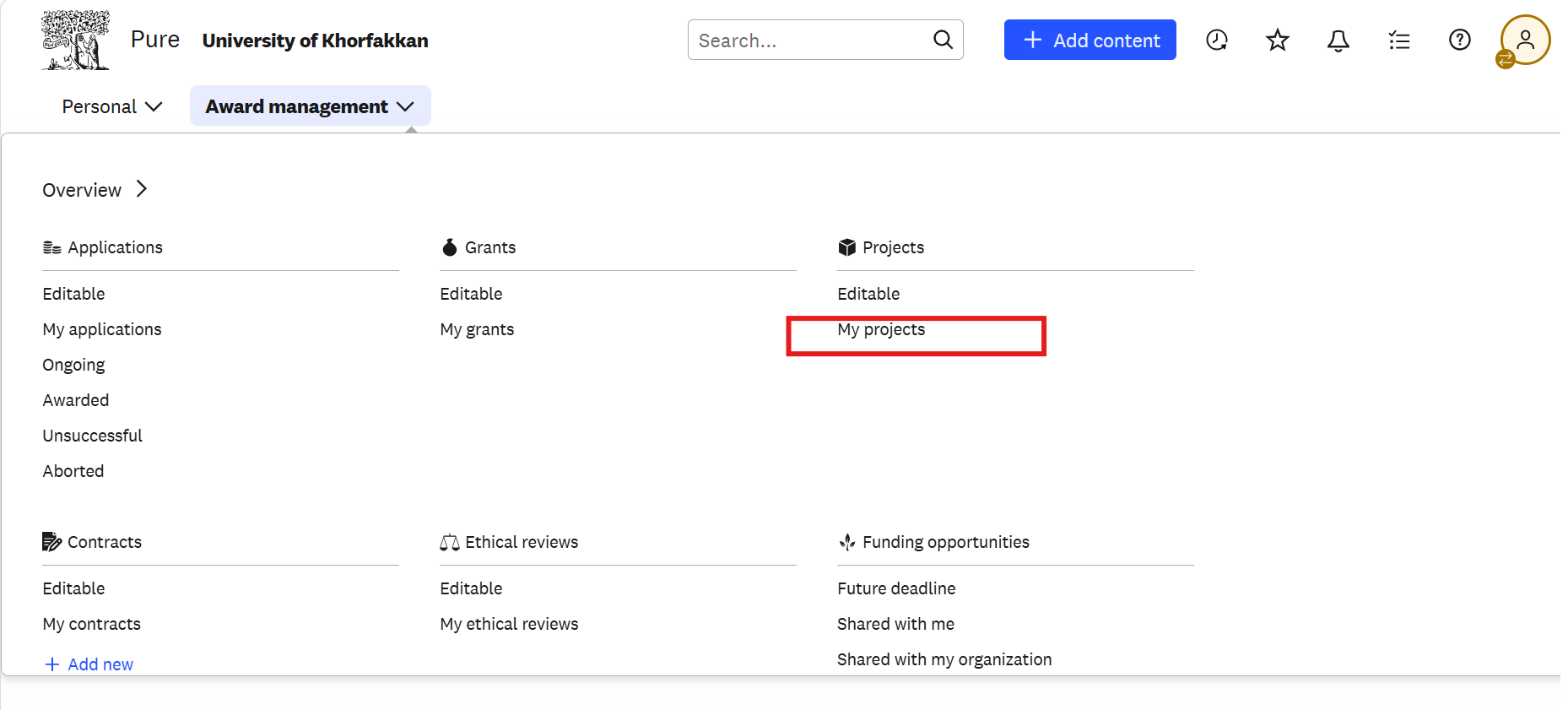
Use the following guide pages to find your projects and view the budget breakdown for an individual project.